


Help topic
Install & activate
Get your eSIM onto your phone the right way, in a few minutes. Guides for iPhone, Samsung and Pixel.
8 guides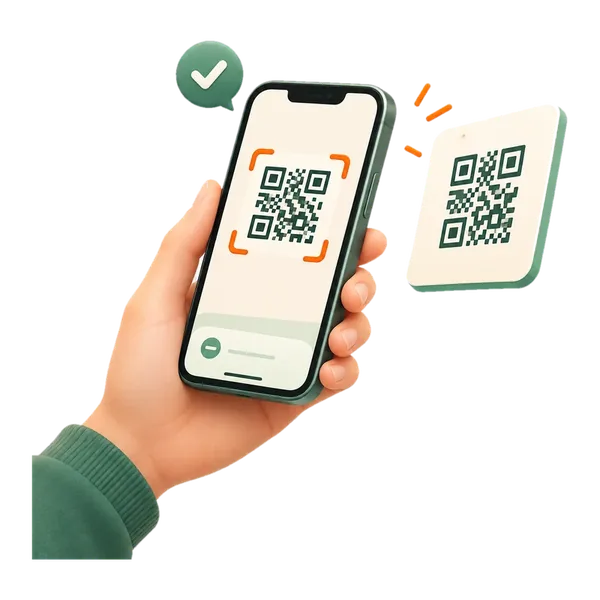
- 1How to install an eSIM on iPhoneOn Wi-Fi, open Settings > Mobile Service > Add eSIM > Use QR Code and scan the code from your Olysim email. Turn the line on and switch on Data Roaming when…2 min read
- 2How to install an eSIM on Samsung GalaxyOn Wi-Fi, open Settings > Connections > SIM manager > Add eSIM and scan the QR code from your Olysim email. When you land, turn the eSIM on, choose it for…2 min read
- 3How to install an eSIM on Google Pixel and other Android phonesOn Wi-Fi, open Settings > Network & internet > SIMs > Add SIM > Set up an eSIM and scan the QR code from your Olysim email. When you land, turn the eSIM on…2 min read
- 4Install by QR code or enter the details by handScanning the QR code is the easiest way. If you can't scan it, for example because the code is on the same phone, choose Enter Details Manually and type the…2 min read
- 5When should I install my eSIM, and when does the plan start?Install it at home on Wi-Fi, a day or two before you fly. Your plan's days only start counting when the eSIM first connects to a network at your destination.1 min read
- 6eSIM stuck on "Activating": what to doUsually the eSIM is already installed and just waiting for your destination's network. Check your SIM list. If it is there, leave it, and turn it on when you…2 min read
- 7"This code is no longer valid": how to fix itThis message usually means the eSIM is already installed on your phone. Check your SIM list first. If it is not there, message us on WhatsApp and we will help.1 min read
- 8I didn't get my QR code email: what to doCheck your spam or promotions folder first. You can also find your QR code in the Olysim app and under My eSIM on the website. Still nothing? Message us on…1 min read

Still need help? We're here.
Send us a message on WhatsApp and a real person replies, day and night. It works on hotel or airport Wi-Fi, so you can reach us even when your data is off.