


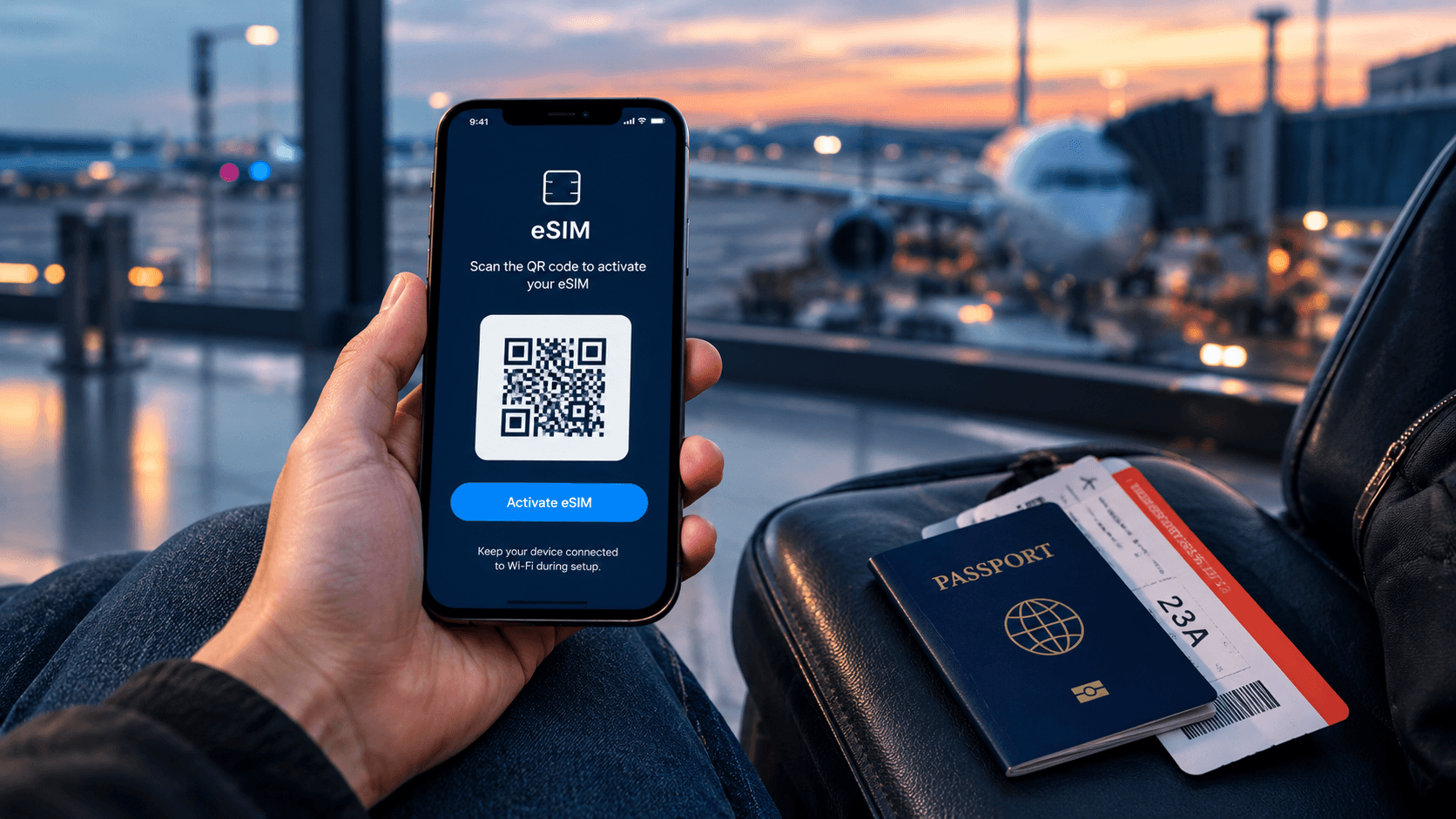
You land in a new country, turn on your phone, and there's no signal. Your home carrier wants to charge you a fortune for roaming, and you don't have time to find a shop that sells local SIM cards. This is exactly the problem an eSIM was built to solve.
If you've never used one before, the word itself can sound technical. It isn't. Here's what an eSIM actually is, in plain words.
What Is an eSIM?
An eSIM is a SIM card built directly into your phone. There is no small plastic card to pop out or swap. "eSIM" simply stands for "embedded SIM" — embedded meaning it's fixed inside the phone rather than sitting in a removable tray.
A normal SIM card is a tiny chip you slide into a tray on the side of your phone. It tells your phone which network to connect to and gives you a phone number. An eSIM does the exact same job, but the chip is already soldered inside the phone. Instead of inserting a card, you add a plan to it using your phone's settings, usually by scanning a QR code.
Most phones made since around 2018 have this built-in chip, even if you've never used it. You can check your own phone on our list of eSIM compatible devices.
The key thing to remember: an eSIM does not replace your phone number or your regular SIM. You can add a travel eSIM for data while keeping your home SIM in the phone for calls and texts.
How Does an eSIM Work?
Here is what happens, step by step, when you use an eSIM:
- You buy a data plan from an eSIM provider, like Olysim, for the country or region you're visiting.
- You receive a QR code by email, usually within minutes.
- You open your phone's settings and scan that QR code. This loads the plan onto the eSIM chip already inside your phone.
- You turn the new eSIM line on, and switch it off again when your trip ends.
That's the whole process. There's no shop to visit, no card to lose, and nothing to post back. Our step-by-step installation guide walks through the exact screens for iPhone and Android.
Because the eSIM is digital, you can even set it up before you fly, while you're still on your home Wi-Fi. It won't turn on and start using data until you land and switch it on, so it costs you nothing while it's sitting there waiting.
eSIM vs Physical SIM Card: What's the Difference?
Both do the same basic job — connecting your phone to a network. The difference is in how you get them and how you use them.
| Physical SIM Card | eSIM |
|---|---|
| Small plastic card you insert into a tray | Built into the phone, nothing to insert |
| Usually bought in person, on arrival | Bought online, set up before you fly |
| Can be lost, or damaged when you swap it | Nothing physical to lose or break |
| You usually remove your home SIM to use it | Runs alongside your home SIM, so you keep your number |
| Only one card fits in the tray at a time | Most phones can store several eSIMs, and some can run two at once |
If you want to see whether an eSIM is actually cheaper than paying your home carrier's roaming rates, we've broken down the real numbers in this comparison. And if you're wondering whether you can run your eSIM and your home SIM together, we cover that in this guide to using two eSIMs at once.
Do You Need to Do Anything Special to Use an eSIM?
No. You don't need any technical skill, and there's nothing to install on your computer. Everything happens inside your phone's own settings menu.
The only two things worth checking first are whether your phone has an eSIM chip, and whether it's unlocked by your home carrier. An unlocked phone is one that's free to connect to any network, not just the one you originally bought it from. Most phones bought outright, rather than on a contract, are already unlocked.
Which Phones Have an eSIM?
Most iPhones from the XS onward, and most flagship Samsung, Google Pixel, and newer Android phones, support eSIM. Rather than guess, check your exact model on our compatible device list before you buy a plan.
Why Travellers Use an eSIM Instead of Roaming or a Local SIM
Two common ways to get data abroad both have downsides. Your home carrier's roaming plans are often expensive, and buying a physical SIM on arrival means finding a shop, sometimes showing ID, and hoping there's stock left.
An eSIM skips both problems. You buy it from your sofa before you leave, it's ready the moment you land, and you're not stuck negotiating in a language you don't speak.
Still have questions about how it all works? Our frequently asked questions page covers the details we haven't gone into here.
Once you know your phone supports it, getting connected takes a few minutes. You can browse eSIM data plans for your destination and have your QR code ready before you even pack your bag.


