


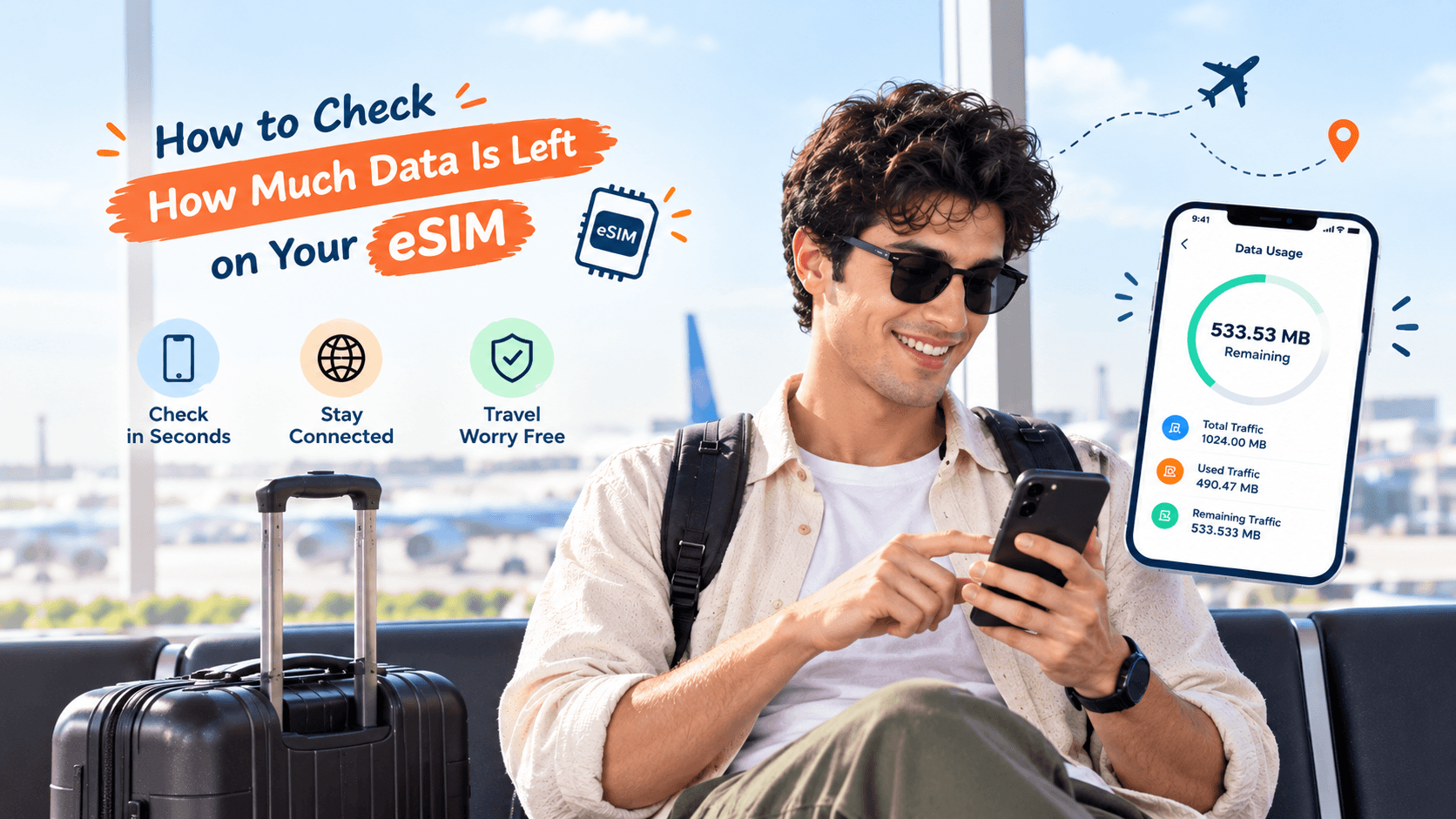
You are two days into your trip and starting to wonder how much data you actually have left on your eSIM. Running out mid-afternoon in an unfamiliar city, with no map and no way to call a taxi, is exactly the moment you do not want to discover this the hard way.
Quick answer: the most reliable way to check your remaining eSIM data is through your provider's own app or account page, since that shows the actual balance on your plan. Your phone's built-in data usage screen is a useful backup, but it only estimates usage rather than showing your plan's real balance.
Why your provider's app is the most accurate source
An eSIM is a SIM built into your phone, so there is no small plastic card with a balance printed on it. Instead, your data allowance lives with your provider, and checking it through their app or account page gives you the exact figure, updated regularly.
Log into the app or website you used to buy your plan, and look for a section usually labelled "my eSIM", "my plan" or "usage". This should show your total data allowance, how much you have used, and how much is left, along with when the plan expires.
Checking data usage through your phone's own settings
Your phone also tracks data usage on its own, separate from your provider's records. This is useful as a rough guide, especially if you cannot access your provider's app for some reason.
On an iPhone, go to Settings, then Cellular or Mobile Data, and look under the section for your travel eSIM to see data used since your last reset. On Android, go to Settings, then Network and Internet or Connections, then Data Usage, and select your eSIM to see the same kind of breakdown.
Provider app vs phone settings: which one to trust
| Question | Provider app or account | Phone's own data usage screen |
|---|---|---|
| Shows your actual plan balance | Yes | No, only an estimate |
| Shows when your plan expires | Usually yes | No |
| Works without your own data connection | Only with wifi or some data left | Yes, it is stored on your phone |
| Lets you top up directly | Yes, usually | No |
Why the two numbers might not match exactly
Your phone's data usage screen and your provider's app can show slightly different figures. This happens because your phone starts counting from whenever you last reset the tracker, while your provider counts from when your plan actually started.
If the two numbers are close, that is normal. If they are wildly different, trust your provider's figure, since that is the one tied to your actual remaining allowance.
What to do if you are running low mid-trip
If you check and see you are close to your limit, you can usually top up directly from your provider's plans page without needing to find a shop or counter anywhere. This works even from your hotel room or a cafe with wifi.
Browse eSIM plans by destination on Olysim's plans page to add more data before you run out completely, rather than after.
Avoiding a low-data situation on your next trip
Checking your balance once a day, especially if you are streaming, video calling or backing up photos, helps you avoid running out at an inconvenient moment. It is worth checking right after you land and again halfway through your trip.
If you are not sure how much data your travel style actually needs, our guide on installing an eSIM before you travel and the frequently asked questions page both cover picking the right plan size before you fly.
Knowing exactly how much data you have left takes the guesswork out of travelling connected. Browse eSIM plans by destination on Olysim's plans page before your next trip.


