


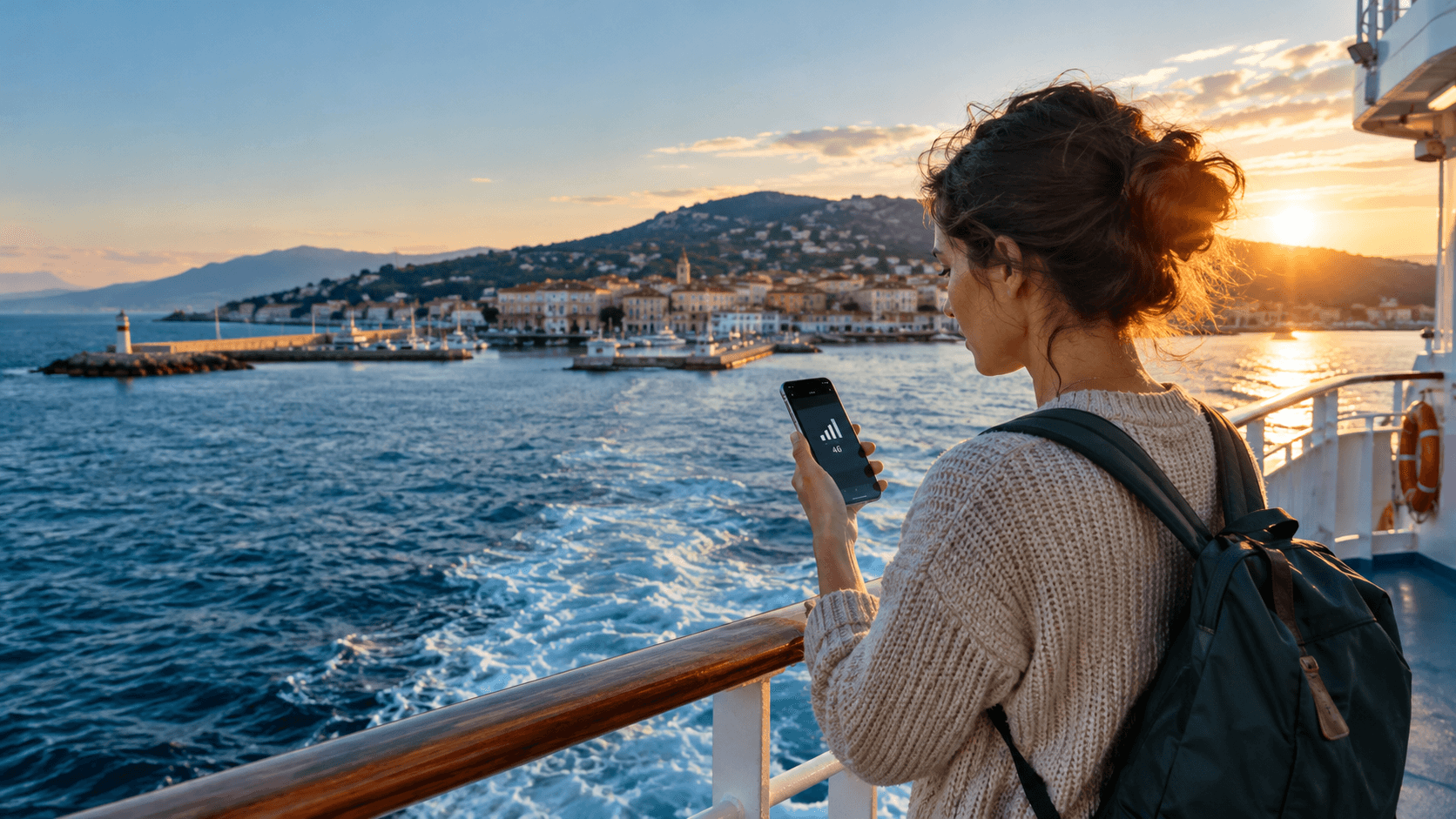
You land your phone on a cruise ship, the bars look fine, and a text arrives saying you have used data on a network you never chose. It happens to people every season. The phone joined the ship's own mobile network, and that network bills like roaming at its worst.
So can a travel eSIM help on a cruise or ferry? Partly. Here is where it works, where it does not, and what to switch off so it does not cost you.
Short answer
Yes in port, and on ferries that stay close to the coast. No in open water on a cruise ship, because a normal eSIM data plan connects to towers on land, not to the ship's satellite link. At sea, use the ship's Wi-Fi or switch your data off.
Why a ship at sea is different from a town
An eSIM is a SIM built into your phone, so there is no small plastic card to swap. People often call it an eSIM card, but nothing physical ever arrives. You add it by scanning a code, and it gives your phone mobile data from a local network. If you have never set one up, our guide on what an eSIM is and how it works covers the basics.
On land, your phone talks to a mobile tower. Towers only reach a short way out over the water, usually a few miles from the shore.
Once the ship sails past that, the towers are gone. Many cruise ships then run their own small mobile network and link it to the internet by satellite. Your phone sees it as one more network to join. It is not a network your travel eSIM was built for, and it is not the same as a tower in a port.
On the phone screen these networks often show up with names like “Cellular at Sea”, or with a string of numbers beginning 901 instead of a country name. If you see either, you are on the ship's network, not a land one.
What to expect on a cruise
A cruise has two very different kinds of day. They need two different plans.
Port days
When the ship is docked, or anchored close to a town, your phone can usually reach a normal land network. This is when a travel eSIM earns its place. You can check maps, book a taxi or message home without hunting for café Wi-Fi.
A small trap: in the last hour before departure, the ship pulls away from the dock while your phone is still looking for the strongest signal. That is often when it jumps to the ship's network by itself.
Sea days
Out of sight of land, a travel eSIM will not give you a normal connection. We cannot promise it will work, and you should plan as if it will not. Your choices are the ship's Wi-Fi package, or no data at all until the next port. Most people on a one-week cruise find a day offline is fine, and nobody on the deck is checking email anyway.
Buying an eSIM data plan for the ports is sensible. Buying one in the hope it will work mid-ocean is not. If the cruise visits several countries, look at a regional plan such as the Europe eSIM plan so one eSIM covers every stop.
Can you use an eSIM on a ferry?
Mostly yes, but it depends on how far from land the ferry goes. Short crossings stay inside tower range for most of the trip. Long overnight crossings do not.
| Type of trip | What usually happens | What to do |
|---|---|---|
| Short hop, such as Dover to Calais | Land towers on one coast or the other for most of the crossing | Use your eSIM, but lock the network by hand (see below) |
| Island ferry, such as Piraeus to the Cyclades | Signal comes and goes between islands | Expect gaps, and download maps and tickets before boarding |
| Two to three hours across open sea, such as Helsinki to Tallinn | Good signal at both ends, a weak patch in the middle | Keep data off mid-crossing if you see a ship network name |
| Overnight crossing | Long stretch with no land signal | Use the onboard Wi-Fi if you need it, or switch data off |
The routes above are examples of how crossings tend to behave, not a coverage promise. Ferries differ, and weather and route change things. If you are heading to Greece, the Greece eSIM plans are worth a look for the island legs.
How to stop ship roaming charges
The real danger is not your eSIM. It is your home SIM, which stays in the phone and will happily join a ship's network if you let it. Your phone picks networks on its own unless you tell it not to.
Do
Turn off data roaming on your home line before you board. Turn off the eSIM line too once you leave port. Switch on airplane mode, then turn Wi-Fi back on if you plan to use ship Wi-Fi.
Do not
Leave automatic network selection on and walk around the deck. Do not accept the “welcome to the ship's network” text as a good sign. It is a warning.
On an iPhone, go to Settings, then Mobile Service, and look for Network Selection. On most Android phones it is under Settings, Connections, Mobile networks. Turn off the automatic choice and pick a land network by hand while in port. Menu names vary a little between phone makers.
If your phone shows a network you do not recognise, with no country name, turn mobile data off straight away. Check your usage later, not first.
Is ship Wi-Fi the better choice at sea?
On sea days, usually yes. Cruise lines sell Wi-Fi packages, often with a cheaper messaging-only tier. It is slower than land internet and the speed drops when the ship is full, but the price is fixed and you know what you are paying.
Look at the package before you board, not at the desk on day one. Some lines discount it in advance. We do not know what your cruise will charge, so check with them directly.
One thing people miss: the ship's Wi-Fi works with your phone in airplane mode. That means you can use WhatsApp, email and maps with no chance of mobile roaming charges at all.
What to set up before you leave home
- Check that your phone works with eSIM on the supported device list.
- Add the eSIM at home on Wi-Fi, using the installation guide. Do not try it for the first time at the port terminal, where the queue is long and the Wi-Fi is weak.
- Download offline maps for every port on your route.
- Save boarding passes and excursion tickets as screenshots. You will want them when the signal drops at the gangway.
- Plan how you will check how much data is left on your plan after each port day.
The honest summary
A travel eSIM is a good tool for the days you are on land and a poor one for the days you are in open water. Use it in ports and on short ferry crossings. Use the ship's Wi-Fi, or nothing, when the coast disappears. Most surprise bills come from the home SIM, so switch its roaming off before you board.


