


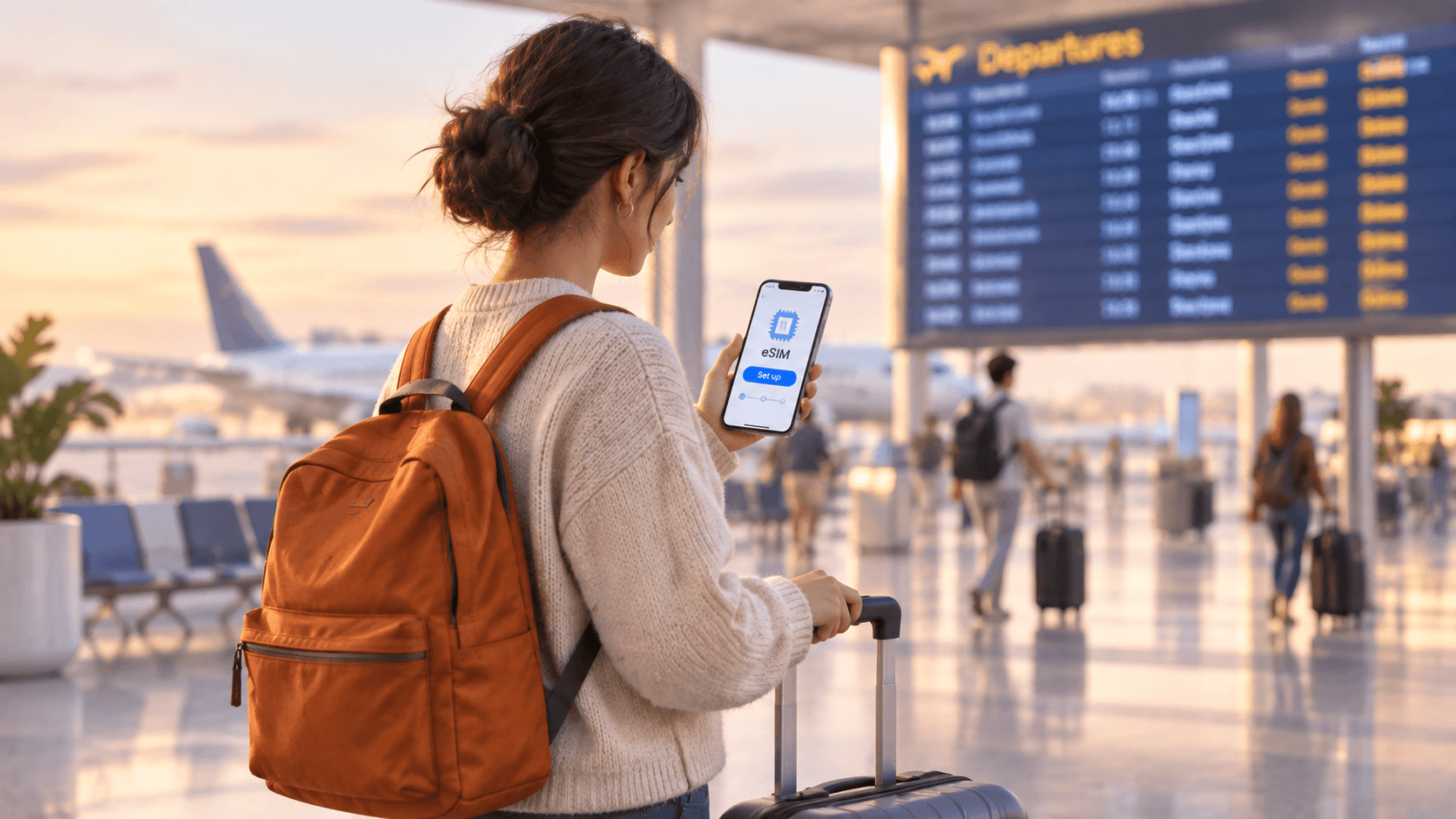
Can you buy an eSIM after you land?
You have just landed in a new country. Your phone has no signal, your home carrier wants a high fee for roaming (using a foreign network through your home plan), and you are wondering if it is too late to get an eSIM.
Short answer: Yes, you can buy and install an eSIM after you land. But you need an internet connection to do it, and that is the catch. Setting it up at home before you fly is much easier and less stressful.
An eSIM is a SIM built into your phone, so there is no small plastic card to swap. You get it by downloading a small profile (a file that tells your phone how to connect to a network). That download needs the internet. At home, that is easy. In a foreign arrivals hall, it can be harder.
What you need to set up an eSIM after landing
Buying after you land only works if a few things go your way. Check this list before you decide to wait.
- Working Wi-Fi. You need it to buy the plan and to download the eSIM. Many big airports, such as London Heathrow and Singapore Changi, offer free Wi-Fi. Some smaller airports limit it or ask you to register first.
- A phone that works with eSIM. Not every phone does. You can check the eSIM compatible device list in a minute.
- A phone that is not carrier locked. A carrier lock means your phone is tied to one mobile company and will refuse SIMs from others. If your phone is locked, the eSIM may fail to install.
- A little patience. You will be tired, standing in a queue, and juggling bags. Even a simple install feels slower in that moment.
If you are not sure your phone supports eSIM, this guide on how to check in just 2 minutes will help.
Why it is easier to set up your eSIM before your trip
Nothing stops you from waiting. But most travellers who set up early say it saves them stress. Here is why.
You are on home Wi-Fi, which is fast and free
At home, you know your Wi-Fi password and your connection is steady. You can take your time, read each screen, and fix any small problem calmly.
You can ask for help if something goes wrong
If an install fails at home, you can restart your phone, try again, or contact support in your own time zone. If it fails at a foreign airport at midnight, you have far fewer choices.
You skip the hunt for a local SIM
Without an eSIM, many travellers look for a SIM shop or airport kiosk after a long flight. That often means queues and showing your passport. It can also cost more than buying elsewhere. With an eSIM ready to go, you can walk straight past all of that.
You can reach your ride, hotel and maps straight away
The first hour in a new country is when you most need data. You may need to message your host, call a taxi app, or open a map. Having a connection the moment you land makes this simple.
Before you fly or after you land: a side-by-side look
| Question | Set up before your trip | Set up after you land |
|---|---|---|
| Internet needed to install | Your home Wi-Fi | Airport or hotel Wi-Fi |
| Online the moment you land | Yes, in most cases | Only after you finish setup |
| Stress level | Low | Higher, when you are tired |
| Time to fix a problem | Plenty | Very little |
| Risk of roaming fees | Low, once settings are right | Higher if you use home data while waiting |
How to get your eSIM ready before you fly
This takes about ten minutes. Do it a day or two before you leave, not at the airport gate.
- Check that your phone works with eSIM and is not carrier locked.
- Look at the eSIM plans and pick the country and data size that fit your trip.
- Buy the plan and wait for the email with your eSIM details.
- Connect to home Wi-Fi.
- Follow the steps in the eSIM installation guide to add the eSIM to your phone.
- Check that the new eSIM shows up in your phone settings.
Need phone-specific steps? Our guide to installing an eSIM on iPhone and Android walks through both.
One useful point: many travel eSIMs only start counting your days once they connect to a network in the country you visit. So installing early usually does not use up your plan. Always read the plan details to be sure.
What to do if you have already landed without one
Do not panic. You can still sort this out in a few steps.
- Turn on airplane mode, then switch Wi-Fi back on. This stops your phone from using your home carrier by mistake.
- Join the airport Wi-Fi. Look for a free network, and follow its sign-in page if it asks you to register.
- Choose your plan and complete the purchase on your phone.
- Open the email with your eSIM details and follow the install steps.
- Once it is installed, turn on the new eSIM for mobile data.
- Turn off data roaming on your home line, so it cannot add charges in the background.
If the airport Wi-Fi does not work, try a cafe, a hotel lobby, or ask a travel companion to share their hotspot (a connection shared from another phone) for a few minutes. You only need data for the download.
Is it better than buying a SIM at the airport?
A physical SIM from an airport kiosk does work. But you must find the shop, wait in line, and often show ID. You also have to swap your home SIM out, and it is easy to lose that tiny card while travelling.
An eSIM removes those steps. Your home SIM stays in the phone, and the eSIM sits beside it. This means you can still receive calls and texts on your home number while using the eSIM for data.
Three small mistakes to avoid
- Leaving it to the last minute. A delay at home is easy to fix. A delay at a foreign airport is not.
- Forgetting to turn off home roaming. If your home line still has roaming switched on, it can still use data, even when you have an eSIM.
- Deleting the eSIM after you install it. Once removed, it usually cannot be installed again. Keep it on your phone until the trip ends.
The simple answer
You can buy an eSIM after you land, as long as you can get online. But if you can, set it up at home. You will arrive connected, skip the SIM hunt, and avoid surprise roaming charges. When you are ready, browse the Olysim eSIM plans and choose your destination.


