


Short answer
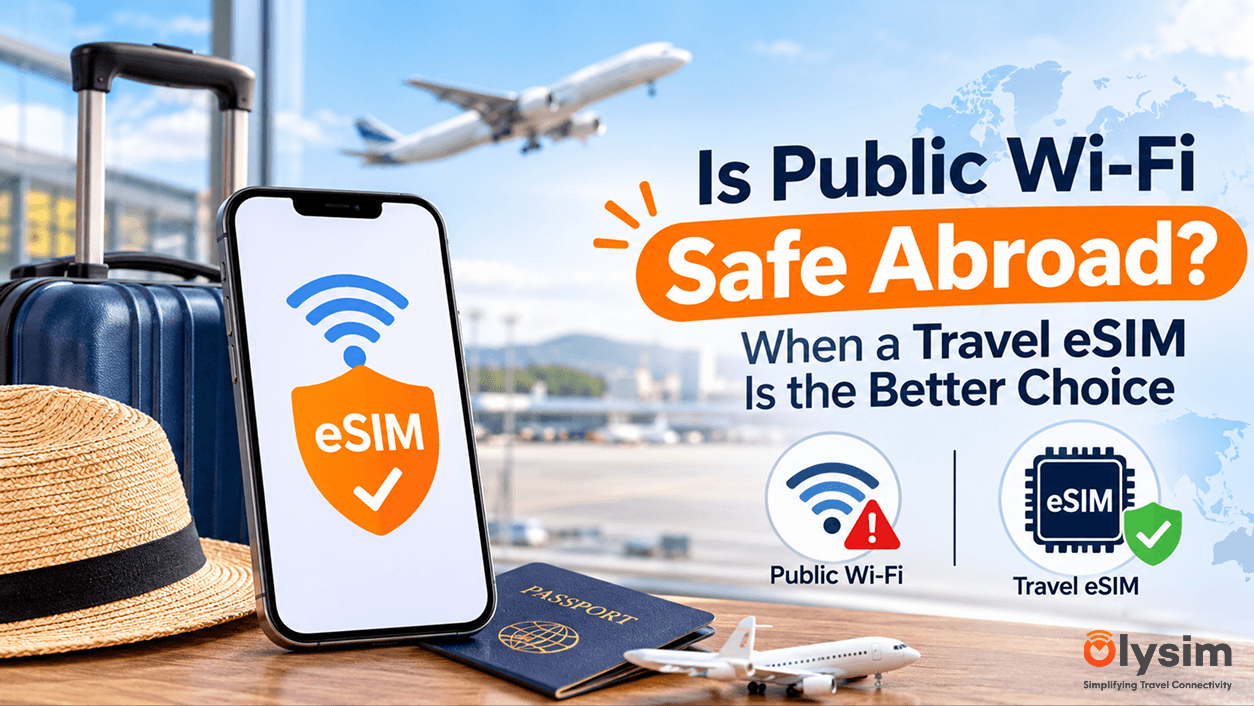
Public Wi-Fi is fine for reading the news, checking a menu or watching a video. It is a poor place to log in to your bank, enter card details or handle work files. For those, use mobile data from a travel eSIM - a SIM built into your phone, with no plastic card to swap - instead.
You land after a long flight, your phone shows no signal, and a sign says "Free Airport Wi-Fi". You tap it. A page asks for your email and your name. Ten seconds later you are online and thinking nothing of it.
Most of the time nothing bad happens. But "most of the time" is not a great standard when you are about to open a banking app. Here is where the real risk sits, and who should care most.
What can actually go wrong on public Wi-Fi?
The honest picture is less dramatic than the headlines. Modern websites and apps scramble your data as it travels, which is called encryption. That means a stranger on the same network usually cannot read your messages or your password.
The risks that remain are mostly these:
- Fake networks. Someone sets up a hotspot called "Airport_Free_WiFi" or copies a cafe's name. If you join it, everything you do passes through their device.
- Sign-in pages that collect too much. Some ask for a phone number, passport details or a social media login just to get online. You are handing over data you did not need to.
- Other devices on the network. On badly set up hotel or cafe Wi-Fi, other guests can sometimes see your phone or laptop on the same network.
- Warnings you click past. A browser message saying a site's certificate is wrong is a real warning. People tap through it when they are tired and in a hurry.
The danger is rarely the Wi-Fi itself. It is joining the wrong network, or doing something sensitive on a network you cannot check.
What is fine to do on public Wi-Fi, and what is not?
Fine on Wi-Fi
Reading news, looking up opening hours, browsing a menu, streaming a show, downloading maps for offline use, updating apps.
Better on mobile data
Banking apps, card payments online, booking with a saved card, work email, anything that asks for a password or a code.
A simple test helps. Ask yourself: if a stranger saw this, would it cost me money or cause trouble? If yes, use mobile data. If no, Wi-Fi is fine.
Why is mobile data safer than Wi-Fi?
Mobile data runs through a phone network, not through a router that anyone can set up in a cafe. Your phone talks to a mobile operator's tower, and the link is scrambled between the two. There is no shared network with other guests, and no sign-in page.
That is the whole advantage. It is not magic. A travel eSIM does not make you invisible or protect you from a scam email. It simply removes the worst risk, which is a network you cannot check.
People often call it an eSIM card, but nothing physical arrives. You scan a code and the plan is added to your phone. Our installation guide shows the steps, and you can check your phone on the eSIM compatible device list.
Which kind of traveller needs an eSIM most?
It depends on what you do on your phone. Here is a straight answer for each kind of trip.
The remote worker or business traveller
This is the strongest case for mobile data. You handle work email, shared files and logins to company systems. A hotel lobby or airport lounge network is the wrong place for that. Use an eSIM plan for your phone, and if you need your laptop online, read how a travel eSIM works with a tablet or laptop first.
The weekend tourist
You mostly use maps, photos and messages. Hotel Wi-Fi covers a lot of that. But you will be out all day, and Wi-Fi does not follow you onto the street. A small data plan covers maps and ride apps, and keeps card payments off shared networks.
The family on a longer trip
Children join every network they see. That is the risk. Put the adults' phones on mobile data for banking and bookings, and let the kids use hotel Wi-Fi for games and video. You do not need to lock everything down, just the parts that involve money.
The person who will mostly stay in one hotel
You may not need an eSIM at all. If you only message friends and browse, a password-protected hotel network is a reasonable choice. Skip the banking until you are somewhere safer, or switch to mobile data for that single task.
Does a VPN fix public Wi-Fi?
A VPN (a tool that wraps your connection in an extra layer of privacy) helps a lot. It stops the network owner from seeing what you do. It does not stop you joining a fake network in the first place, and a poor VPN can be worse than none.
Think of it as a second lock, not a replacement for the first. Mobile data plus a VPN you already trust is the most careful setup. Wi-Fi plus a VPN is a decent fallback.
How do you use public Wi-Fi more safely?
Before you tap "Join"
✓ Ask staff for the exact network name. At a hotel desk or cafe counter, they will tell you in seconds.
✓ Be suspicious of two networks with almost the same name.
✓ Turn off automatic joining of Wi-Fi networks in your phone settings.
✓ Give the sign-in page a fake-proof minimum: an email address, nothing more.
✓ Never tap through a browser warning about a site's certificate.
✓ Choose "Forget this network" when you leave.
What about roaming instead of Wi-Fi?
Roaming means using your home SIM abroad, and it is safe in the same way mobile data is. The catch is cost. Many home carriers charge a daily fee or high rates per megabyte, which is why people fall back on free Wi-Fi in the first place. Our comparison of eSIM and roaming for a short trip sets out the difference.
If you plan to bank on the go, also read whether banking apps and contactless payments work without roaming. And if verification codes are your worry, keeping your phone number with a travel eSIM explains how to stay reachable.
A plain way to decide
| What you are doing | Public Wi-Fi | Mobile data (eSIM) |
|---|---|---|
| Reading, browsing, streaming | Fine | Fine, but uses your data |
| Banking and card payments | Avoid | Better choice |
| Work email and files | Avoid, or use a VPN | Better choice |
| Maps and ride apps while out | Not available on the street | Works |
| Large downloads and updates | Best use of Wi-Fi | Can use up your plan quickly |
Use Wi-Fi for what you would not mind a stranger seeing, and mobile data for the rest.
The short version
Public Wi-Fi abroad is not a disaster, and you do not need to avoid it entirely. Keep it for light use, check network names with staff, and keep money and work off it. A data plan you set up before you fly takes care of the rest, and you can compare options in our eSIM plans.


