


Short answer
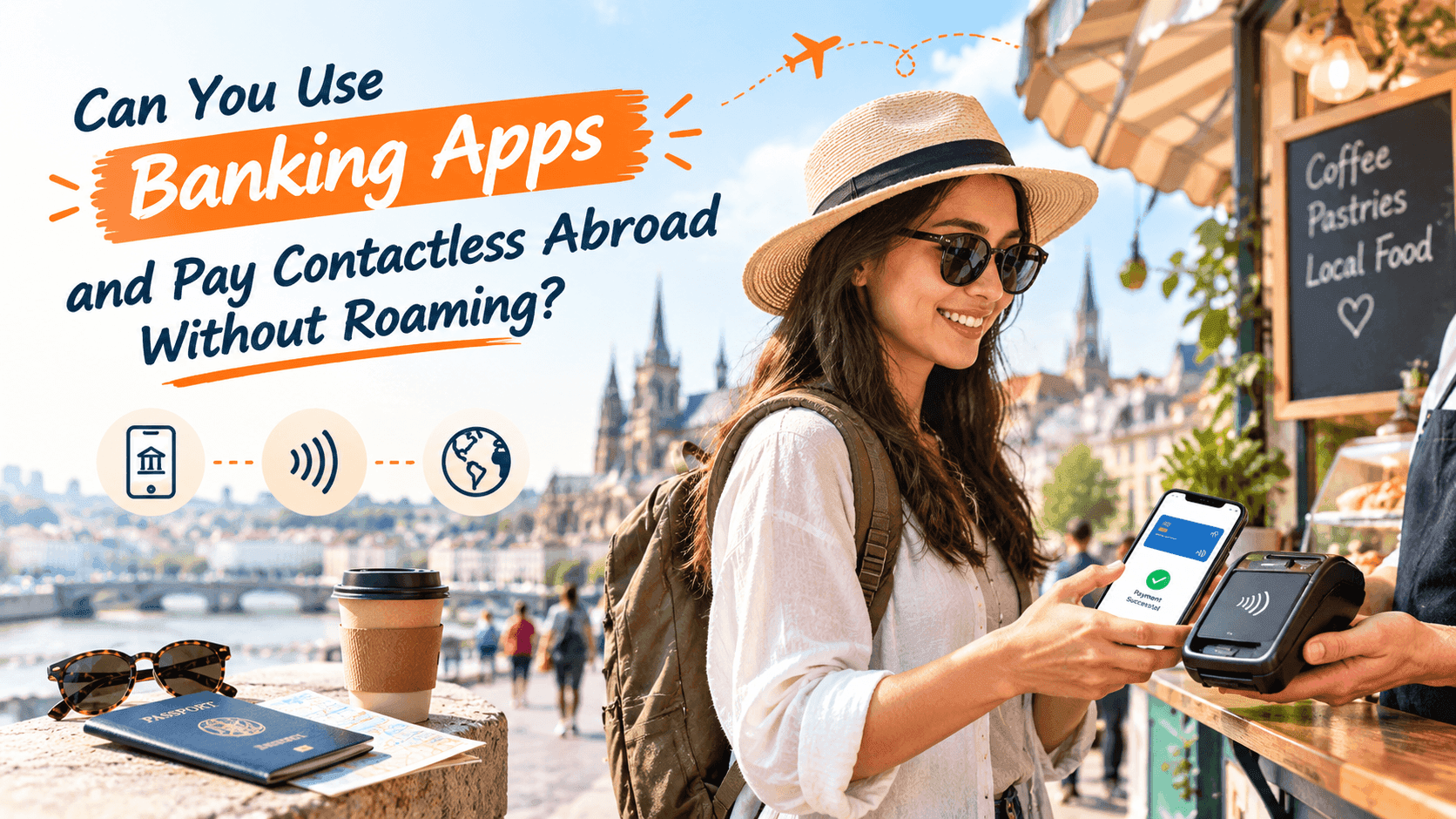
Yes, for paying in a shop. Tapping your phone or card at a reader usually needs no mobile data at all. No, for your banking app. Checking balances, moving money and freezing a lost card all need an internet connection. A travel eSIM (a SIM built into your phone, so there is no plastic card to swap) gives you that connection without home-carrier roaming charges.
You land, the card reader at the coffee counter beeps, and you wonder if it will go through. Later, a text from your bank asks you to confirm a payment, and your app will not open. Those are two different problems, and they have two different answers.
Does contactless payment work without data?
Mostly, yes. When you tap, your phone or card talks to the reader over a very short-range radio link called NFC. The reader is the one that contacts your bank, using its own internet line. Your phone is just showing a card.
This is why a plastic contactless card works anywhere with no signal at all. Apple Pay and Google Pay work the same way for most payments. Your phone does not need roaming turned on to tap at a shop till.
There is one catch. Phone wallets sometimes need to reach the internet now and then to refresh the secure code they use for each payment. If your phone has been offline for days, the first tap can fail. Connecting to Wi-Fi or mobile data for a minute usually fixes it. So the honest answer is: it works without data most of the time, but a phone that never connects is a risk.
Tapping on public transport
In some cities you can tap a card or phone straight on the gate. London is the well-known case: you tap at the Tube barrier and the same card or phone on the way out. Use the exact same card or device both times. Tapping in with your phone and out with a card gets you charged twice.
What your banking app needs a connection for
Almost everything inside the app. The app is only a window onto your bank's computers, so without data it shows nothing, or an old copy of your balance.
Works with no data
Tapping a card or phone at a reader. Paying with a chip and PIN. Withdrawing cash at an ATM.
Needs data or Wi-Fi
Opening your banking app. Checking your balance. Sending money to someone. Freezing a card you have lost.
Needs data, and sometimes your home number
Approving a payment your bank flags. Logging in on a new device. See our guide on bank codes and verification texts.
The freeze button matters most. If your phone or wallet goes missing at 11pm in a foreign city, you want to lock the card in seconds. That needs a working connection on whatever phone or tablet you still have.
Why not just use hotel Wi-Fi?
You can, and for a quick balance check at breakfast it is fine. But it is not where you want to log in to your bank every day. Airport, cafe and hotel networks are shared with strangers, and you cannot tell how well they are set up.
Banking apps do encrypt what they send, so a risky network is not an automatic disaster. The bigger problem is practical. Hotel Wi-Fi drops, asks you to log in again, and is slowest when everyone is in the lobby at once. Your own data connection is private and travels with you.
Roaming is the other option, and it is where bills get ugly. Read how an eSIM compares with roaming on a short trip before you decide. A travel eSIM is a data plan you buy for the country you are visiting. It sits alongside your normal SIM.
Three things that go wrong with money abroad
Your bank blocks the card
Banks watch for payments from unusual places. A first coffee in another country can trigger a hold. The bank then sends a message or asks you to approve it in the app. If your app has no connection, you are stuck at the till with a declined card.
Many banks let you add travel dates in the app. Others do not need that and only ask you to confirm when a payment looks odd. Check which one yours is before you leave.
The reader offers to charge you in your home currency
At a till or ATM abroad, the screen may ask: pay in local currency or in your home currency? Choose local currency. The home-currency option is called dynamic currency conversion. It lets the shop or ATM pick the exchange rate, and that rate is usually worse than your bank's.
You rely on one card, and it is on your phone
If the phone dies or is stolen, every card in the wallet goes with it. Carry one physical card, kept apart from the phone. A flat battery is the most common cause, not theft.
Do
Choose local currency at every till and ATM. Keep a physical card as backup. Turn on mobile data before you try to log in to your bank.
Do not
Switch on home-carrier roaming just to check a balance. Save card details on a shared computer. Tap in on one card and out on another.
How to set up before you leave
Do this at home, on your own Wi-Fi, a few days before the flight. It takes about twenty minutes.
- Add your card to Apple Pay or Google Pay, and make one small payment to confirm it works.
- Log in to your banking app and check you are not locked out. Reset the password now if you are.
- Note your bank's international phone number. The number on the back of the card often will not work from abroad.
- Check that your phone supports an eSIM. The supported device list takes a minute.
- Install your travel eSIM before you fly. The installation guide walks through it step by step, and you can turn it on when you land.
Keep your normal SIM in the phone for calls and texts, and use the eSIM only for data. That way bank texts still reach your home number while your banking app runs on the local data connection.
Your bank's texts only arrive abroad if your home carrier lets your number receive messages there. Ask them before you go, because some plans switch this off.
What to expect on arrival
Turn the eSIM on as the plane lands, or once you are at the gate. Once you have a signal, open your banking app and check it loads. Then try one small tap payment, such as a bottle of water at the airport kiosk. If both work, you are set for the trip.
If something fails, the cause is usually small. Our guide to using maps and ride apps abroad covers the same data settings that affect banking apps.
The bottom line
Paying in shops rarely needs data. Managing your money does. Plan for both: set up your phone wallet at home, carry a backup card, and have a data connection ready for the moments your bank needs to reach you.


