


When Does Your eSIM Plan Actually Start?
Your plan usually starts the first time your phone connects to a mobile network in the country you bought it for. Not when you buy it. Not when you install it. The clock begins when the eSIM - a SIM built into your phone, so there is no small plastic card to swap - first finds a network at your destination.
This is the single most misunderstood part of buying a travel eSIM. People worry that buying two weeks early means losing two weeks of data. In almost all cases, it does not.
The key takeaway: installing an eSIM early is safe. Your days only begin counting when you land and your phone connects to a local network. So set it up at home, on your own wifi, before you fly.
What Actually Happens in the Minutes After You Land
Here is the real sequence, step by step, from the moment your wheels touch the runway.
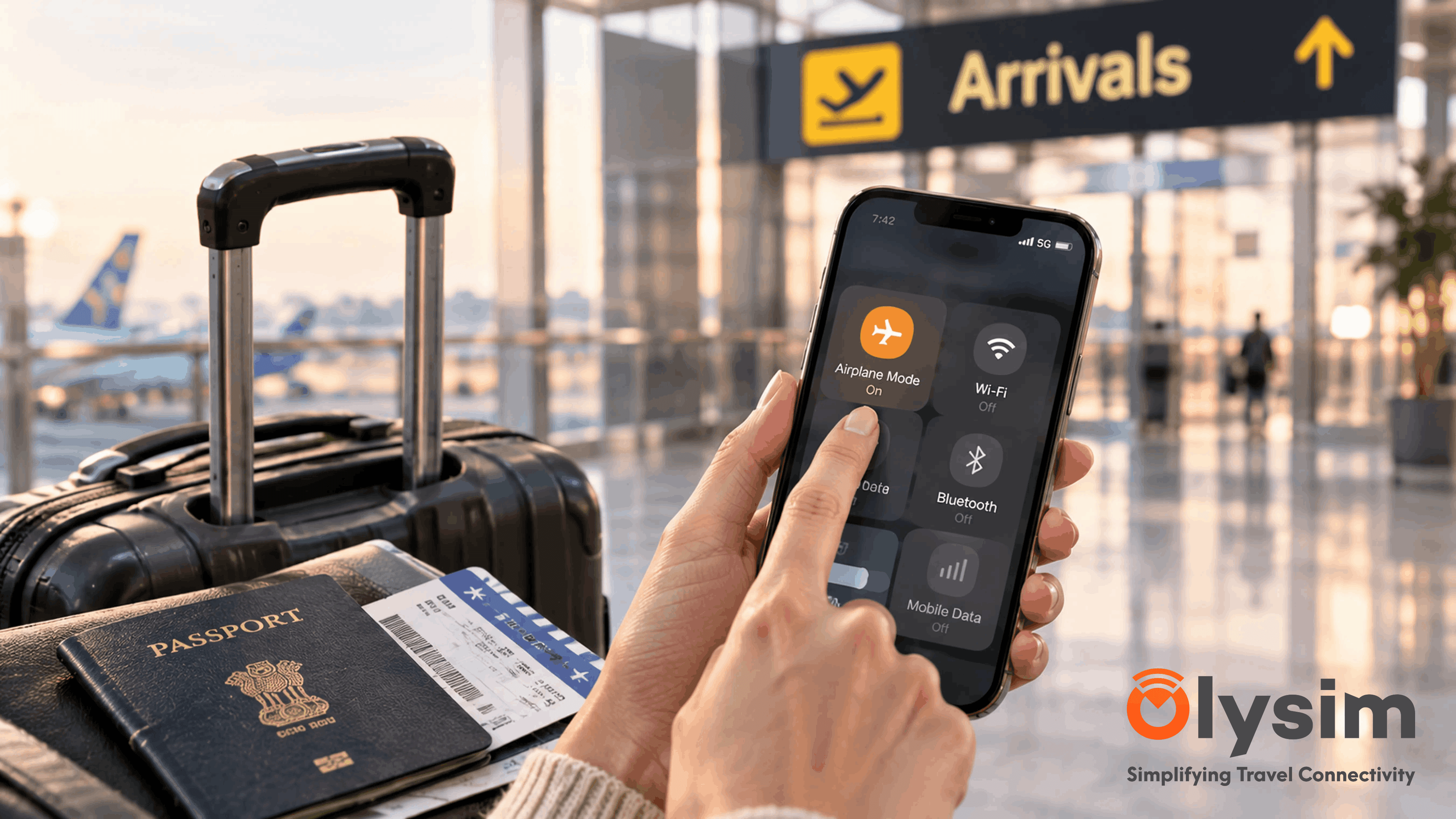
- You turn off aeroplane mode. Your phone starts looking for any mobile network it can see.
- Your eSIM finds a local network - the same towers a local person uses in that country.
- The network checks your eSIM is allowed to connect. This usually takes under a minute.
- Your plan starts. The days and the data allowance begin counting from this moment.
- You see bars of signal and a network name at the top of your screen. You are online.
Most travellers are connected before they reach passport control. In a big airport like Heathrow or Changi, that is usually while you are still walking down the jet bridge.
Does a Layover Start My Plan Early?
Usually not, and this catches people out. If your plan covers Japan and you have a four-hour stop in Dubai, your phone will not connect using that plan in Dubai. The plan only works in the countries it covers.
So during your layover, your eSIM sits quietly and does nothing. Your days do not start. You can use airport wifi in the meantime.
If your trip involves several countries, a regional plan is simpler. The Europe 33 Countries plan or the Asia Max plan cover many countries on one eSIM, so crossing a border does not mean buying again.
How Your Days and Data Count Down
Two things run down at the same time on most travel plans. Understanding both stops any surprises mid-trip.
| What Runs Down | When It Starts | What Ends It |
|---|---|---|
| Your days (validity) | First network connection at your destination | Runs continuously, whether you use data or not |
| Your data allowance | The first megabyte you use | Stops when the allowance is used up |
Your days keep counting even while you sleep or use hotel wifi. So a seven-day plan means seven calendar days from that first connection, not seven days of usage.
What If Nothing Happens When You Land?
Sometimes you turn off aeroplane mode and still see no signal. This is common and usually fixed in under a minute.
- Turn aeroplane mode on, wait ten seconds, then turn it off again.
- Check the eSIM line is switched on in your phone settings, not just installed.
- Make sure data roaming is turned on for the eSIM line. This sounds odd, but the eSIM often needs it to connect abroad.
- Restart your phone if the first three do not work.
If your connection drops in and out later in the trip, our guide on why an eSIM keeps disconnecting covers the usual causes.
Does My Home SIM Still Do Anything?
Yes. Your usual SIM and phone number stay exactly as they are. The eSIM sits alongside it as a second line, used only for data.
One thing to do before you land: turn off data roaming on your home SIM only. Otherwise your home carrier may quietly charge you for data at the same time. Leave calls and texts switched on if you want to stay reachable on your normal number.
Get Set Up Before You Board
Installing an eSIM needs an internet connection, which you will not have the moment you land. So do it at home. Our install guide walks through it, and the supported device list confirms your phone works with eSIM first.
Once it is installed, there is nothing else to do. Fly, land, turn off aeroplane mode, and your plan begins on its own.
The Bottom Line
Your eSIM plan waits for you. It starts when you arrive and connect, not when you buy it, so there is no reason to leave the purchase until the last minute.
Pick a plan for your destination and trip length on the Olysim plans page, and set it up while you still have wifi at home.


