


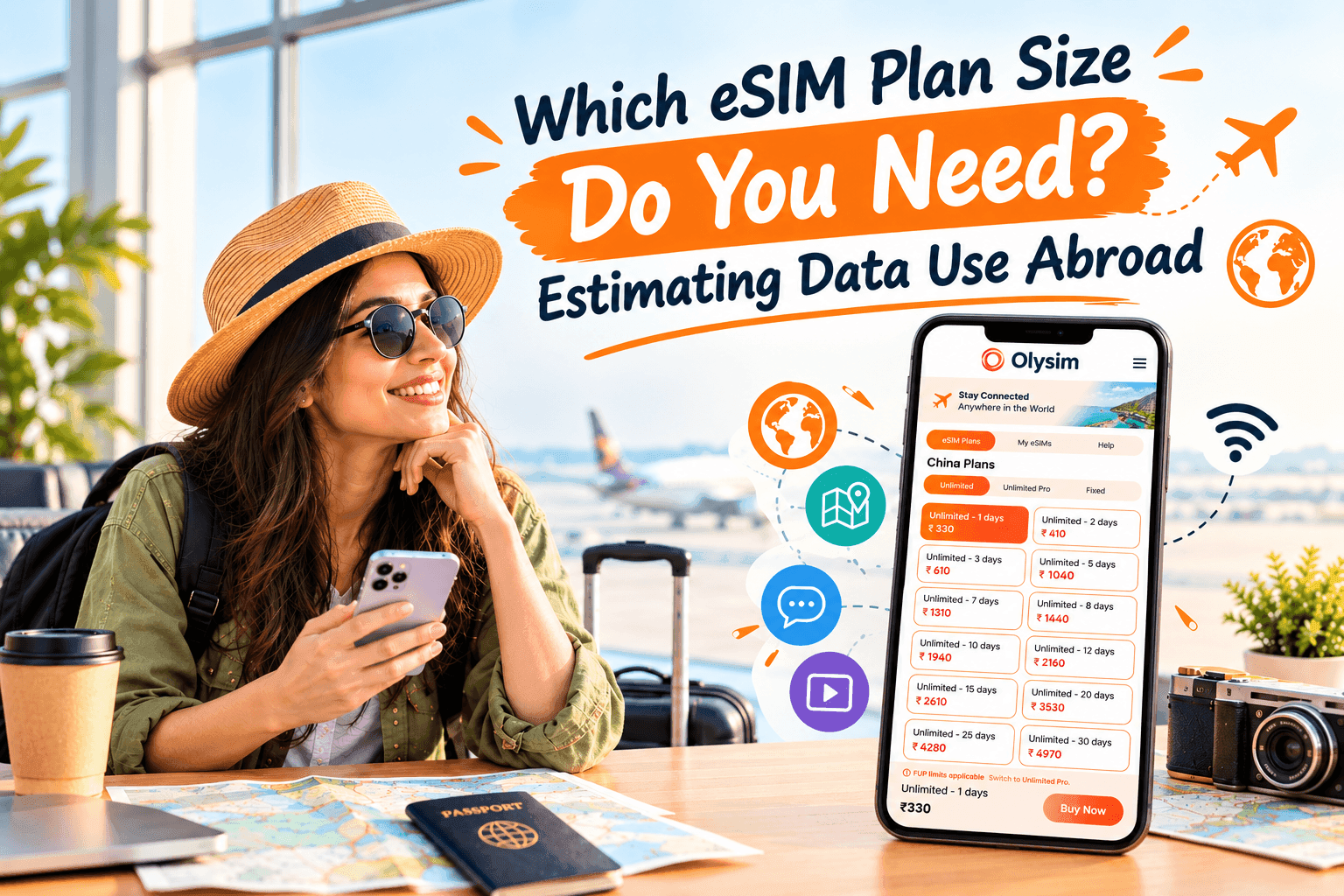
How much data do you need for a trip abroad?
You are about to buy a travel eSIM - a SIM built into your phone, so there is no small plastic card to swap. Then you see plans in 1 GB, 3 GB, 5 GB and 10 GB sizes. Which one do you pick?
Most travellers who use maps, messaging and a little social media need about 300 MB to 1 GB per day. Heavy video or video calls can push that to 2 GB or more per day.
Quick rule: multiply the number of days by 0.5 GB for a light user, 1 GB for a normal user, or 2 GB for a heavy user. Then round up to the next plan size.
The rest of this guide shows where those numbers come from, so you can adjust them for your own habits.
What does a gigabyte actually mean?
Data is the amount of information your phone sends and receives over the mobile network. It is measured in megabytes (MB) and gigabytes (GB). One GB is about 1,000 MB.
Wi-Fi in your hotel or a cafe does not use your eSIM data. Only the mobile network does. So the more time you spend on Wi-Fi, the less plan you need.
How much data do common phone activities use?
These figures are rough averages. Real use changes with your apps, your phone settings and the quality you choose. Treat them as a guide, not a promise.
| Activity | Rough data use | Example |
|---|---|---|
| Messaging (text only) | Under 5 MB per hour | WhatsApp, iMessage, Telegram |
| Maps and directions | 5 to 20 MB per hour | Google Maps, Apple Maps |
| Browsing and email | 30 to 60 MB per hour | Checking booking sites |
| Social media scrolling | 100 to 300 MB per hour | Instagram, TikTok (videos use more) |
| Music streaming | 40 to 150 MB per hour | Spotify, Apple Music |
| Video calls | 300 to 800 MB per hour | FaceTime, WhatsApp, Zoom |
| Video streaming (standard quality) | About 1 GB per hour | YouTube, Netflix |
| Video streaming (HD) | 2 to 3 GB per hour | HD films on a phone |
Notice the big jump at the bottom. One hour of HD video can use more data than a whole day of maps, messages and browsing combined.
Which type of traveller are you?
Light user: about 300 to 500 MB per day
You mostly use maps, send messages and look up a restaurant now and then. You use hotel Wi-Fi for anything heavy. This suits a short city break or a trip where you are out of your phone most of the day.
Normal user: about 1 GB per day
You use maps a lot, post photos, scroll social media on the train and call home now and then. This is the most common pattern for holidaymakers.
Heavy user: 2 GB or more per day
You stream video, take regular video calls or work from your phone. You may also share your connection with a laptop. If so, read our guide on using a hotspot with a travel eSIM. A hotspot means your phone shares its data with another device, and laptops can use a lot.
How to work out your total for the whole trip
Follow these steps. It takes about two minutes.
- Count the days you will be abroad.
- Take away days you will spend mostly on Wi-Fi, such as a conference day or a beach day at a resort.
- Pick your daily figure: 0.5 GB, 1 GB or 2 GB.
- Multiply the days by the daily figure.
- Add about 20 percent as a safety cushion.
- Choose the plan size at or just above that total.
For example, you spend 7 days in Rome and use about 1 GB a day. That is 7 GB. Add 20 percent and you get about 8.4 GB. A 10 GB plan fits well.
Compare the sizes on the Olysim plans page. Prices there match your location, so check them before you buy.
Does your trip type change the answer?
A weekend city break
Maps and photo uploads will be your main use. A small plan is often enough. If you are visiting one country, look at a single-country plan such as Italy or Germany.
A multi-country trip
You will change places often, so you will use maps and booking apps more. Rather than buying several plans, consider the Europe regional plan. It covers many countries in one plan.
A long stay or remote work trip
Video meetings and cloud files add up quickly. Work out a weekly total instead of a daily one. Then pick a larger plan, or plan to top up. If you have not set up an eSIM before, our install guide walks you through it.
How can you make your data last longer?
- Download offline maps. Google Maps and Apple Maps let you save an area while on Wi-Fi. Directions then use almost no data.
- Save films and playlists before you fly. Netflix, YouTube Premium and Spotify all let you download on Wi-Fi.
- Turn off auto-play video. Instagram, TikTok and Facebook all have this setting.
- Pause cloud backups. Photo apps such as iCloud Photos and Google Photos can upload hundreds of MB without you noticing. Set them to Wi-Fi only.
- Switch off background app refresh. This stops apps from quietly loading new content while your phone is in your pocket.
- Turn on Low Data Mode. On iPhone, it is in the mobile data settings. On Android, look for Data Saver.
How do you keep track of your data while you travel?
Your phone has a built-in counter in its mobile data settings. Reset it on the day you land. Then check it at the end of each day. After two days you will know your real daily use, and you can change your habits or top up if needed.
You can also see what is left on your plan. Our guide to checking how much data is left on your eSIM shows how.
Is it better to buy more data than you need?
A little extra is a good idea. Running out of data in a new city, with no maps and no way to call a taxi, is stressful. But buying far too much wastes money.
The 20 percent cushion in the steps above is a sensible middle ground. It covers a busy day without paying for data you will never touch. Compare that with home-carrier roaming, where charges can be hard to predict and bills can arrive after you return.
Final thoughts
Picking a plan size comes down to three things: how many days you travel, how you use your phone and how much time you spend on Wi-Fi. Use the quick rule, add a small cushion, and you will land close to the right size. Before you buy, check that your phone works with eSIM on the supported device list, then compare sizes on the plans page.


