


Can you just delete a travel eSIM when the trip is over?
You are home, the suitcase is empty, and there is still a line called Travel sitting in your phone settings. You want it gone. Deleting it is easy, but a couple of the ways people do it cannot be undone.
Short answer
Yes, you can delete a travel eSIM in your phone's settings in under a minute. An eSIM is a SIM built into your phone, so deleting it removes a setting, not a plastic card. Most travel eSIMs cannot be put back once deleted, so only delete it when you are sure the trip is finished. Pick the right line, and your home number is not touched.
People also call it an eSIM card or an e sim. Nothing physical ever arrived, so there is nothing to throw away. What you are deleting is the small profile, a bundle of settings, that tells your phone how to join a network.
Below are the mistakes people make, starting with the one that costs the most.
Mistake 1: deleting your home line by accident
Your phone lists every line it knows about. That usually means your home plan and your travel eSIM, side by side, often with similar names. On iPhone the home line may just say Primary. On some Android phones both show only a carrier name and a number.
It seems safe because the menu looks the same for both. It is not. If your home line is also an eSIM, deleting it can leave you with no number until your carrier sends a new one. That can mean a visit to a shop or a call to them, and a day or two without texts or calls.
Before you tap anything, open the line and check the details. Look at the phone number, the plan name and the label. The travel eSIM will show the provider you bought it from, and usually no phone number at all. If you ever renamed it, something like Travel, that is the one.
Do
Open the line first and read its name and details. Delete only the one you recognise as the travel plan.
Do not
Tap Delete from the top of a list without checking which line it applies to.
Your home number stays safe if you keep it on the same line it was on before the trip. We explain how that works in our guide to keeping your phone number with a travel eSIM.
Mistake 2: deleting it before you are really done
The trip ends at the airport, so you clear it out on the flight home. Then your connection home is delayed, or you have a stopover in another country, and you land with no data.
It costs you the days and data you paid for. Delete a plan that still has time left and you cannot use it again. If you have a layover, or your trip covers more than one place, keep the plan until you are properly home. Our piece on using one eSIM across several countries covers which stops a single plan reaches.
Not sure what is left? The FAQ shows how to check your remaining data before you decide.
Mistake 3: expecting to reinstall it later
People think the QR code in the email is like a key. Delete the eSIM, scan the code again, and it comes back. That is how it feels.
With most travel eSIMs, it does not work that way. The code is a one-time install. Once your phone has used it, the code is spent, and deleting the profile throws away what it set up. Rules differ between providers, so check yours before you assume a second install is possible.
If there is any chance you want that line again, switch it off instead of deleting it. Turning a line off keeps it on your phone. Deleting removes it for good.
Mistake 4: forgetting to switch your data back
During the trip you told your phone to use the travel eSIM for mobile data. You land at home and the Wi-Fi is not connected yet. Pages will not load. The phone is still trying to use a line that has no signal here.
This one is harmless but annoying, and it makes people think something is broken. Go into your mobile or SIM settings and set mobile data back to your home line. Do this before you delete the travel eSIM, so you can tell it worked. If you are unsure where that setting sits, the install guide shows the same screens in reverse.
Mistake 5: deleting it because you think it costs you money
Some people worry that an old eSIM sitting in the phone keeps charging them. For a prepaid travel eSIM, it does not. You paid once for a set amount of data and days. When the time or data runs out, the plan stops. Nothing renews by itself.
Deleting it does not return unused data or give you money back either. If the only reason is cost, you can leave it alone. The one real reason to tidy up is that old profiles clutter the list and make it easier to tap the wrong line next time. Phones also store only a limited number of eSIMs, so a very long list can eventually get in the way.
How to delete an eSIM on iPhone and Android
Menu names change between phone brands and software versions, so yours may read a little differently. The idea is the same everywhere: open the line, then find Delete or Remove at the bottom.
On an iPhone
Open Settings, then Mobile Service
Some regions call this Cellular. You will see a list of your lines.
Tap the travel eSIM
Check the name and details to be sure it is not your home line.
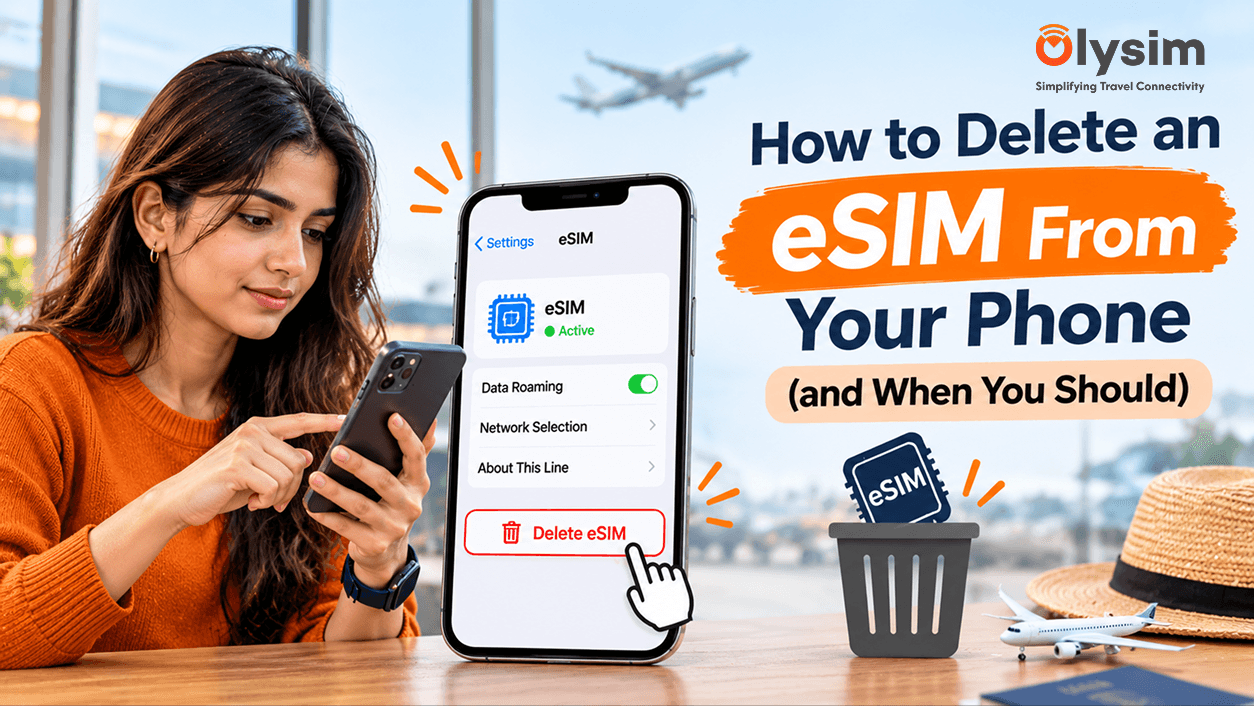
Scroll down and tap Delete eSIM
Some versions say Remove Mobile Plan. Confirm when the phone asks. The line vanishes from the list, and that is how you know it worked.
On an Android phone
Open Settings and find your SIM list
On Samsung it sits under Connections, then SIM manager. On Pixel it is under Network and internet, then SIMs.
Tap the travel eSIM
Read its name first. Your home line may be a physical SIM or another eSIM.
Choose Remove, Delete or Erase
Confirm, and check the line is gone from the list.
If your phone is on our list of phones that support eSIM, these menus will be there. If you cannot find them at all, the phone may not support eSIM, or the option may be hidden behind a carrier lock. That is a block placed by the company that sold the phone, which stops it working with other networks.
So when should you delete it?
Delete it when the plan has expired or the data is used up, you are home, and you do not plan to reuse it. Delete it too if you keep tapping the wrong line, or if you are selling or handing on the phone. A phone sold with a profile on it is an avoidable mess for the next owner.
Keep it, and just turn it off, if days or data remain and you might still want them. Also keep it if the trip is not really over. A stopover counts.
If you want a fresh eSIM for your next trip, you install a new one. It takes a few minutes, and you can do it before you leave home.
The short version
Deleting a travel eSIM is a two-tap job in your settings. The risk is not the tapping. It is picking the wrong line or deleting one you still wanted. Check the name, check what is left, then remove it.


